Change Image to 300 DPI Online Free — Print Ready JPG PNG
What Is DPI and Why Does It Matter for Printing?
DPI stands for Dots Per Inch. It is a metadata value stored in the image file header that tells printers how densely to place ink dots when reproducing the image physically. A higher DPI value means more dots per inch, which produces a sharper, more detailed print.
Professional printers, print-on-demand platforms like Printful and Printify, and merchandise services like Redbubble all require images to be flagged as 300 DPI before accepting them for production. Images flagged at 72 DPI — the screen standard — are rejected or produce blurry physical output.
Does Changing DPI Actually Add Pixels?
No. This is the most important thing to understand. Changing the DPI metadata value does not add, remove, or resample any pixels. It simply updates a number stored in the file header. The pixel dimensions of your image remain completely unchanged.
Think of DPI as an instruction tag attached to the image. The tag says "print these pixels at this density." Changing the tag from 72 to 300 tells the printer to squeeze the same pixels into a smaller physical area — producing a sharper result.
How ImageXpo Changes DPI Without Uploading
Your image file is read directly into browser memory as an ArrayBuffer. For JPEG files, the tool locates the APP0 marker segment in the binary data and modifies the X and Y density bytes to the target value. For PNG files, it writes or updates the pHYs chunk with the correct pixels-per-unit value calculated from your target DPI.
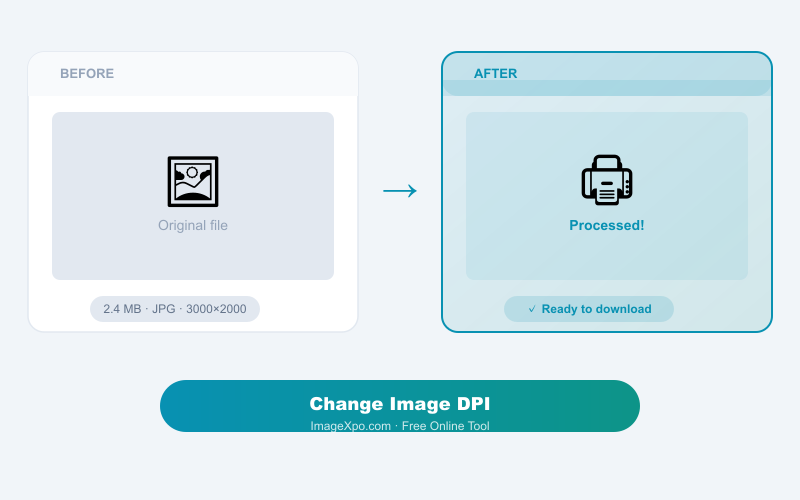
This binary editing takes under five milliseconds and requires zero server communication. Your original image file is never modified — the tool outputs a new copy with the updated header.
Common DPI Values
- 72 DPI — Web and screen display standard
- 150 DPI — Low-resolution print, acceptable for large format
- 300 DPI — Professional print standard, required by most POD platforms
- 600 DPI — High-end print for fine art and large format photography
Frequently asked questions
Will changing DPI make my image sharper?
Not on screen. DPI is a print instruction. Changing it only affects how printers reproduce the image. On a monitor, all images display at screen resolution regardless of DPI metadata.
Does this tool resample my pixels?
No. This tool only modifies the DPI metadata in the file header. Your pixel dimensions and image quality remain completely unchanged.
My print-on-demand platform rejected my image for low DPI. Will this fix it?
Yes, in most cases. Changing the DPI header to 300 satisfies the platform requirement. However, if your image has very low pixel dimensions (e.g. 500x500px), you may also need to upscale it.
What formats are supported?
JPG and PNG files are fully supported. Both formats store DPI in their file headers and can be updated without any pixel modification.
Is the output file identical to the original except for DPI?
Yes. Only the DPI metadata bytes in the file header are changed. Everything else — pixels, colours, compression, file size — remains byte-identical.