Combine Images Side by Side Online Free — Merge Photos Instantly
Combine Images Side by Side — Free, No Upload
Place two or more photos next to each other in a single image — side by side, stacked vertically, or in a custom grid layout. Our free image combiner lets you create before/after comparisons, product collages, and multi-photo social posts without any design software. Runs entirely in your browser.
Common Uses for Combining Images
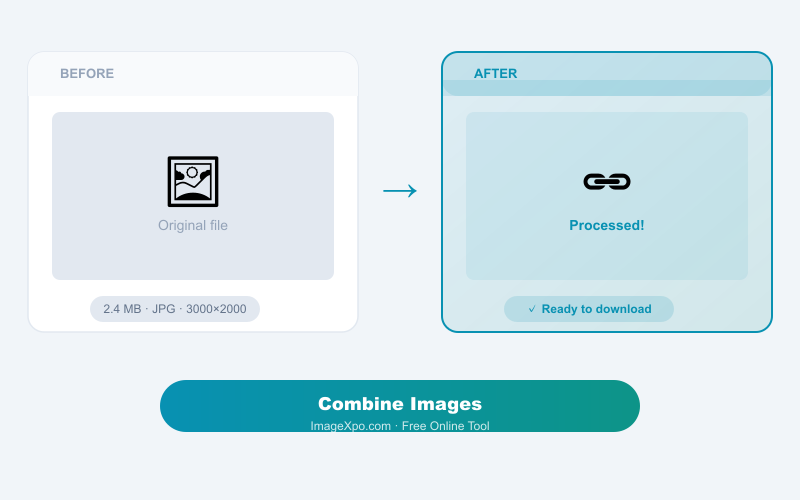
Before and after comparisons: Show two versions of a photo, a renovation, a physical transformation, or a design iteration side by side. Product collages: Combine multiple product angles into a single image for e-commerce listings. Social media posts: Create multi-photo layouts for Instagram, Pinterest, or LinkedIn that tell a visual story in a single post. Comparison graphics: Show two options, products, or designs next to each other for a clear visual comparison.
Layout Options
Choose horizontal (side by side), vertical (stacked), or a custom grid. Set spacing between images, background color, and output dimensions. Each image can be resized independently or all scaled to match a common height or width for a clean, uniform result.
Private, Free, Unlimited
All image combining runs locally in your browser. No files are uploaded. No account, no watermarks.
Frequently Asked Questions
How many images can I combine?
You can combine 2 or more images. For very large grids, processing may take a moment depending on your device.
Can I combine images of different sizes?
Yes. The tool can scale all images to a common height or width, or you can set each image's size independently. A uniform height creates the cleanest side-by-side result.
What format is the output?
The combined image is saved as JPG or PNG (your choice). PNG is best if you need transparency or pixel-perfect quality. JPG produces a smaller file for sharing.