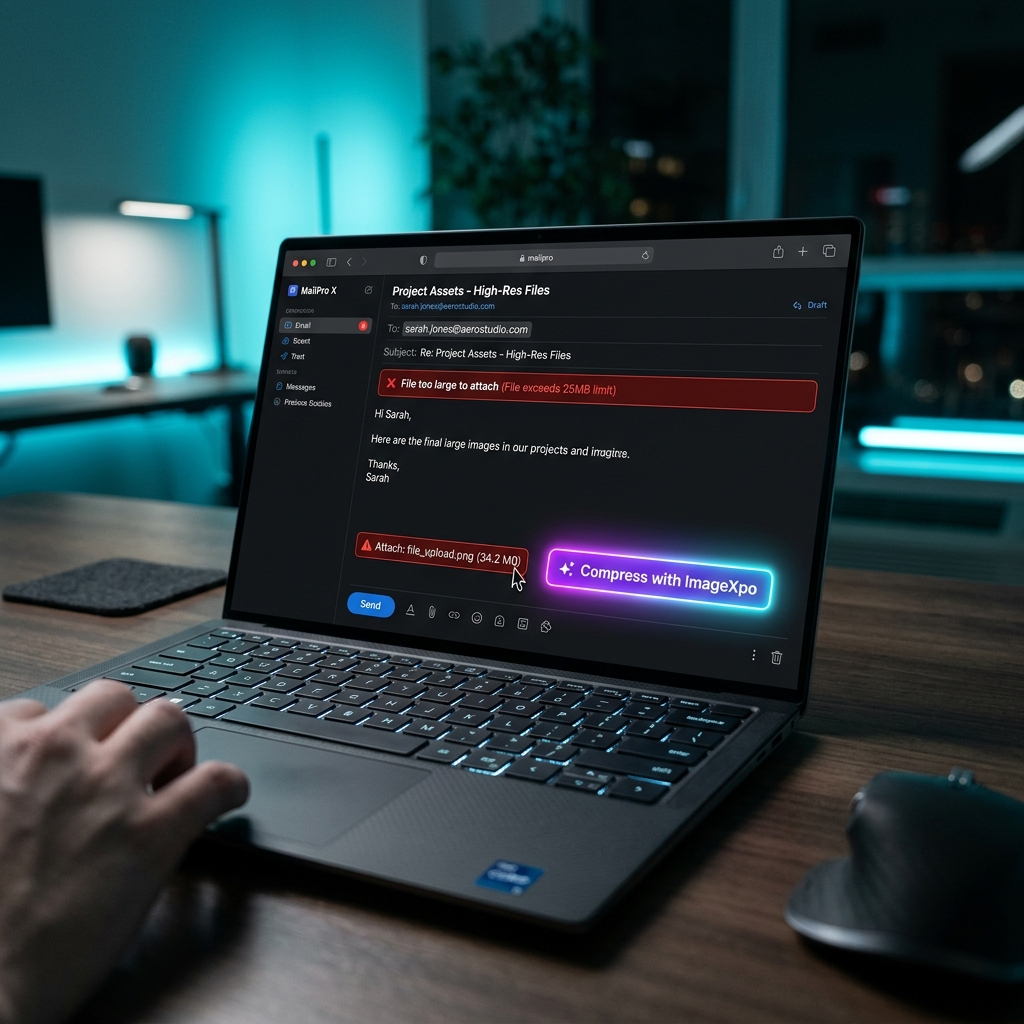
Compress Image for Email Free - Fix "Attachment Too Large"
Compress Images for Email — Attachments That Actually Send
Most email services limit attachments to 10–25 MB, and large images slow down delivery and inbox loading. Our free email image compressor reduces your photos to a size that sends instantly and opens fast on any device — processed entirely in your browser, never uploaded to our servers.
What Size Should Email Images Be?
For photo attachments in personal emails: target 500 KB to 1 MB per image. For business emails and newsletters: under 500 KB is ideal. For images embedded in email body content: 100–200 KB loads fastest and looks good on all screen sizes. Most email clients will display images at screen resolution anyway — sending a 10 MB RAW photo provides no benefit over a 500 KB compressed JPG.
The Real Cost of Large Email Attachments
Besides hitting size limits, large attachments fill up the recipient's inbox quota, take longer to download on mobile connections, and are frequently blocked by spam filters that flag oversized emails. A well-compressed image gets delivered more reliably and opens faster for the recipient.
Private — Your Photos Never Leave Your Browser
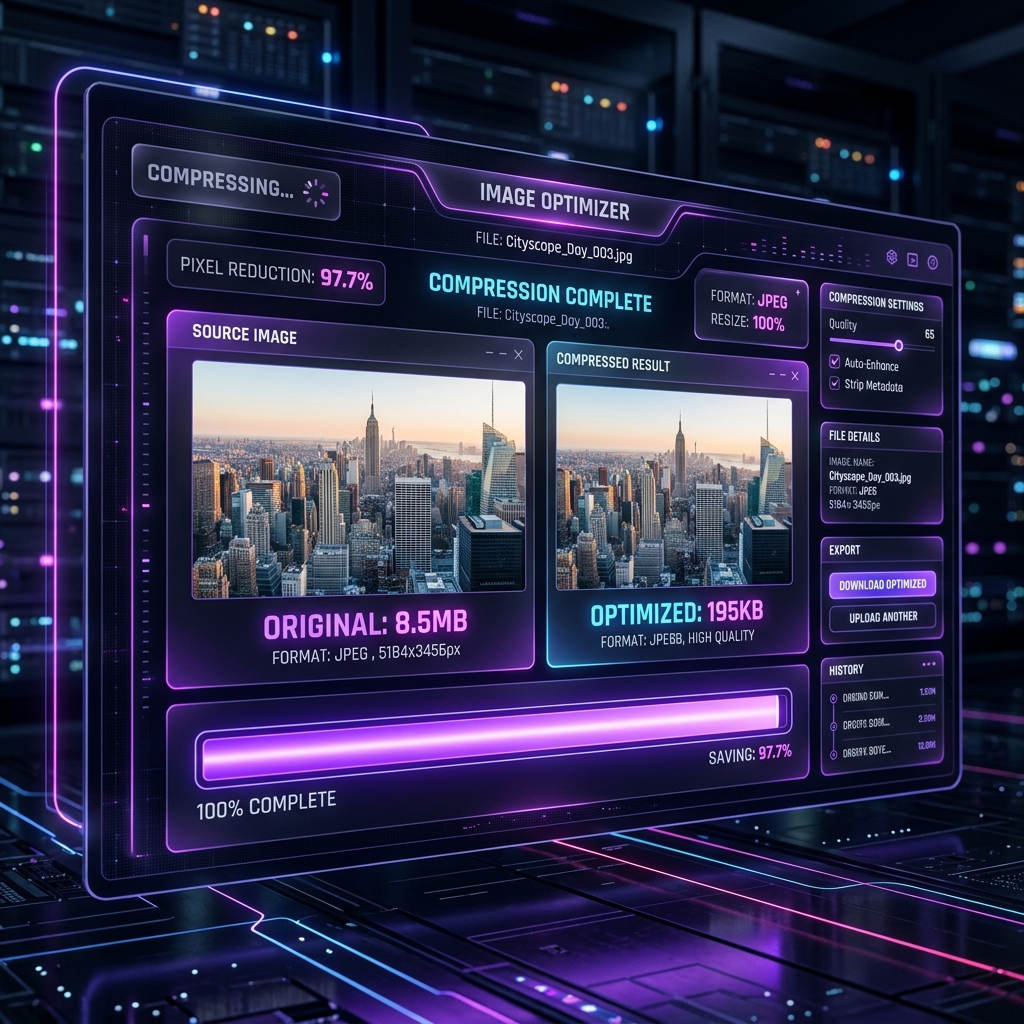
Compression runs locally. ImageXpo never receives your images. No account required, no watermarks, no limits.

Frequently asked questions
What is the maximum attachment size for Gmail, Outlook, and Yahoo Mail?
Gmail allows 25 MB total per email. Outlook allows 20 MB. Yahoo Mail allows 25 MB. If you need to share very large photos, use Google Drive, Dropbox, or WeTransfer and send a link instead.
How much should I compress a photo for email?
Target 300 KB to 1 MB per image for most email use. For newsletters and bulk email, 100–200 KB per image loads fastest. Use the quality slider to find the lowest quality that still looks acceptable at email viewing size.
Will the recipient notice the compression?
At moderate compression (70–85% quality), the difference is not visible on screens. Email is viewed on a monitor, not printed — the reduction in data that looks identical on a screen is what compression targets.