Compress Image for Facebook Free - Fast HD Uploads & Coverage
Compress Images for Facebook — Prevent Facebook's Auto-Compression
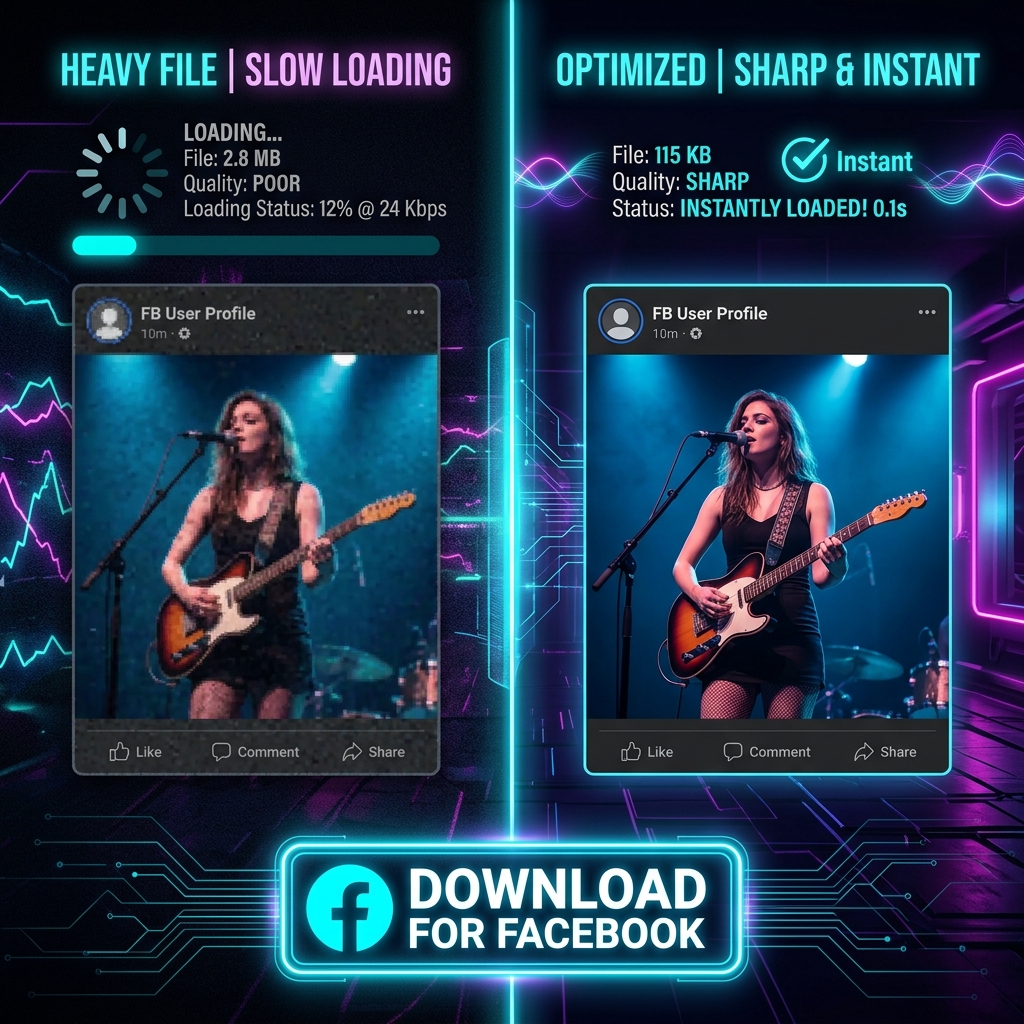
Facebook compresses every photo you upload, often producing noticeably blurry results — especially on photos with text, fine detail, or bright colors. Compressing your image yourself before uploading gives you control over the quality. Our free Facebook image compressor prepares your photos for the sharpest result on Facebook, with no upload to our servers.
Why Facebook Blurs Your Photos
Facebook's servers process billions of images and apply aggressive compression to save storage and bandwidth. Photos with text (like event posters and infographics) suffer most — JPG compression creates visible artifacts around high-contrast edges. Uploading at the right size and quality setting reduces the damage Facebook adds.
Best Practices for Facebook Image Quality
Use JPG format. Target 2048px on the longest edge for profile photos and posts — Facebook upscales smaller images which introduces blur. Keep file size between 1–3 MB. For photos with text or sharp graphics, consider uploading as PNG — Facebook is less aggressive with PNG files.
Private and Free
Compression runs locally in your browser. Your photos are never uploaded to ImageXpo. No account, no watermarks.
Frequently asked questions
Why does Facebook make my photos look blurry?
Facebook applies automatic compression to reduce storage and server costs. Photos with fine detail, text, and high contrast show the most quality loss. Uploading at higher resolution (1500–2048px) and moderate compression gives Facebook better source material to work with.
What is the best format for Facebook photos?
JPG for photographs, PNG for graphics with text or sharp lines. Facebook is less aggressive with its PNG compression, so infographics and event banners often look sharper as PNG uploads.
What resolution should I upload photos to Facebook?
For posts: at least 1200px wide, ideally 2048px. For profile photos: 170px is displayed but upload 800×800px for the best quality when viewed full-size.