BMP to GIF Converter Free Online — 100% Free Online
Convert BMP to GIF Free — Small, Web-Compatible Image From a Bitmap
BMP files are enormous and not supported by web browsers. GIF is a lightweight web format that works everywhere. Converting BMP to GIF reduces file size dramatically while making the image usable on websites, in email, and across messaging platforms. Our free BMP to GIF converter runs in your browser with no upload.
What to Expect
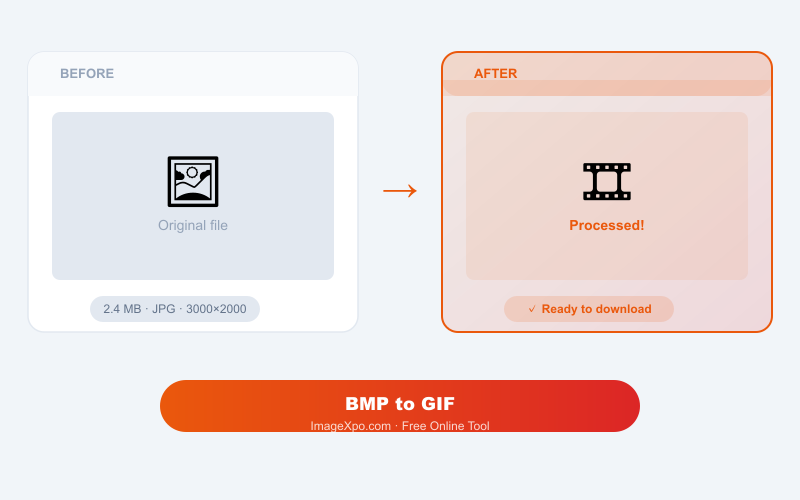
GIF is limited to 256 colors, which means the conversion will reduce the color palette of your BMP. For flat-color graphics and simple images this is barely noticeable. For photographs with many colors, consider BMP to JPG or BMP to PNG instead. File size drops dramatically — a 30 MB BMP might become a 100–500 KB GIF.
When BMP to GIF Makes Sense
You have an old Windows bitmap that needs to go on a website, into an email, or onto a platform that does not accept BMP. GIF gives you maximum compatibility. If the image has limited colors (like a logo or diagram), quality will be well-preserved.
Private, Free, Unlimited
Your BMP is converted locally in your browser. Nothing is uploaded. No account or watermarks.
Frequently asked questions
How much smaller will the GIF be compared to the BMP?
Typically 90–99% smaller. BMP is uncompressed; GIF uses LZW compression. Flat-color images with limited detail compress most aggressively.
Will the colors look the same in the GIF as in the BMP?
For images with 256 or fewer distinct colors, yes. For images with more colors (photographs, gradients), the GIF will show dithering. Consider BMP to PNG for better color fidelity.
Does GIF support transparency?
Yes — 1-bit transparency (pixels are either fully transparent or fully opaque). If you need smooth transparency from a BMP with an alpha channel, use BMP to PNG instead.