Convert JPG to TIFF Online Free — Print Quality
Convert JPG to TIFF Free — For Professional Print and Archiving
TIFF is the industry standard for print production, archiving, and professional photography workflows. Print labs, publishing houses, and stock photo agencies frequently require TIFF files. Our free JPG to TIFF converter lets you produce a TIFF from any JPG directly in your browser — no upload, no software installation required.
Who Needs JPG to TIFF
Print production: Offset and large-format printers often require TIFF input. Stock photo submission: Many stock agencies require TIFF for high-resolution submissions. Publishing and pre-press: Magazine and book layouts typically use TIFF images. Archiving: TIFF is the preferred format for long-term digital archiving of images.
What to Know About the Output
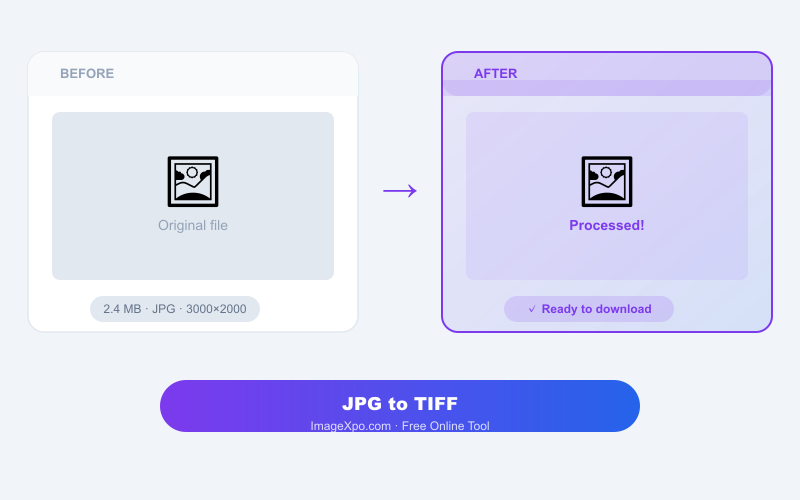
Converting from JPG to TIFF does not recover quality lost in the original JPG. The TIFF will be lossless going forward — no further quality loss from editing and re-saving — but it will only be as sharp as the JPG source. File size increases substantially: a 1 MB JPG might become a 20–40 MB TIFF.
Private and Free
Conversion runs locally in your browser. Your files are never uploaded. No account or watermarks.
Frequently asked questions
Does converting JPG to TIFF improve the image quality?
No — TIFF is lossless going forward, but it cannot recover quality already lost in the JPG compression. Think of it as freezing the current quality in a lossless container.
Why is the TIFF so much larger than the JPG?
TIFF stores every pixel as uncompressed data. JPG uses compression to reduce file size. Converting from JPG to TIFF unpacks the compressed data into raw form, resulting in a much larger file.
Will my print lab accept this TIFF?
Yes. The output is a standard TIFF file compatible with all professional print workflows, image editors, and print lab submission portals.