JPG to WebP Converter Free Online — Smaller Files, Same Quality
Convert JPG to WebP Free — Smaller Images for Faster Websites
WebP images are 25–35% smaller than equivalent JPGs at the same visual quality. If you run a website, converting your JPG photos to WebP is one of the easiest ways to improve page load speed and Core Web Vitals scores. Our free JPG to WebP converter runs entirely in your browser — no server upload, no account needed.
Why Switch From JPG to WebP
Smaller files, faster pages: WebP compression is more efficient than JPG, reducing file size without visible quality loss. Google rankings: Faster page loads improve LCP (Largest Contentful Paint) scores, a direct ranking factor. Browser support: All modern browsers — Chrome, Firefox, Safari (2020+), Edge — support WebP. Saves bandwidth: Smaller images cost less to serve, especially on mobile data connections.
Transparency Support
Unlike JPG, WebP supports transparent backgrounds. However, if your source JPG has no transparency (JPGs cannot contain transparent areas), the WebP output will also have no transparency.
Private, Free, Unlimited
Conversion runs locally in your browser. Your images are never uploaded. No account, no watermarks.
Frequently asked questions
How much smaller will my WebP be compared to JPG?
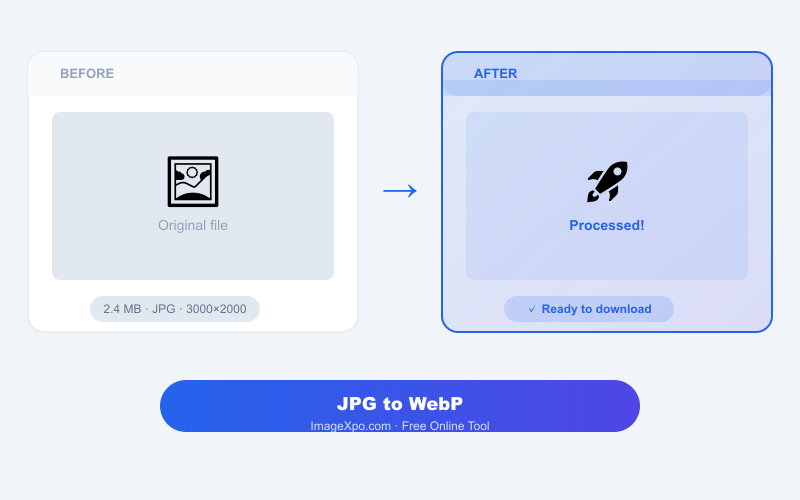
Typically 25–35% smaller at equivalent visual quality. A 1 MB JPG photo often becomes 650–750 KB WebP with no visible difference.
Does Safari support WebP?
Yes, since Safari 14 (released 2020). Modern iPhones and Macs support WebP. Very old Apple devices running iOS 13 or earlier do not.
Should I replace all my website's JPGs with WebP?
Yes, for web images. Keep JPG originals as backups. Use the HTML picture element with a WebP source and JPG fallback for maximum compatibility.