WebP to PNG Converter Free Online — 100% Free Online
Convert WebP to PNG Free — Lossless Version of Any WebP Image
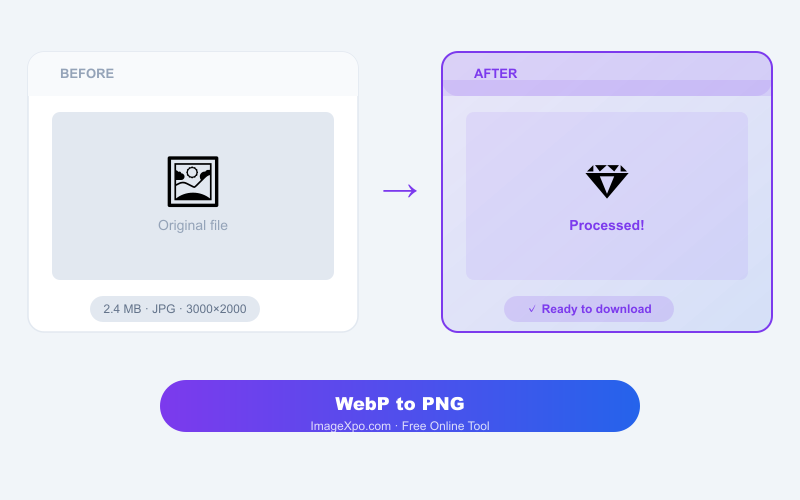
WebP images downloaded from websites often can not be opened in older design tools, image editors, or sent through platforms that don't support the format. Converting to PNG gives you a lossless, universally compatible version. Our free WebP to PNG converter handles this in your browser — nothing uploaded, no account needed.
Why Convert WebP to PNG Instead of JPG
PNG is the better choice when you need to keep transparency (logos, icons, product cutouts) or when you plan to edit the image further. PNG is lossless — every pixel is preserved exactly, so there is no quality loss from editing and re-saving. If you just need a smaller shareable file and transparency doesn't matter, convert to JPG instead.
Transparency Support
If your WebP has a transparent background, the PNG output preserves it. This is the main reason to choose PNG over JPG as the output — JPG fills transparent areas with white.
Private and Free
Your WebP is converted locally in your browser. Nothing leaves your device. No account, no watermarks, unlimited conversions.
Frequently asked questions
Is the PNG output better quality than the WebP?
PNG is lossless, so there is no quality loss going forward. But if the WebP source was lossy compressed, the PNG cannot recover the data already discarded. Think of it as locking in the current quality in a lossless container.
Will transparency be preserved in the PNG?
Yes. Both WebP and PNG support alpha transparency. Transparent backgrounds are preserved in the conversion.
Why is the PNG larger than the WebP?
WebP uses efficient lossy or lossless compression. PNG is lossless but uses a simpler compression algorithm, so it typically produces larger files than WebP at equivalent quality.