Crop Photo to Circle Online Free — Make Round Profile Picture
Why Circle Crop Your Profile Photo?
Every major social and professional platform — LinkedIn, Twitter, Slack, Discord, GitHub — displays your profile picture as a circle. When you upload a square or rectangular photo, the platform crops it automatically, often cutting off your face or key parts of the image.
Using a circle crop tool before uploading gives you full control over exactly what appears inside the circle. You position your face perfectly, preview the result, and download a transparent PNG that looks crisp on any background — white, dark, or coloured.
How It Works in Your Browser
When you upload your photo, ImageXpo renders it onto an HTML5 Canvas element. A circular clipping path is drawn using context.arc(), and the Canvas API's context.clip() method masks all pixels outside the circle to transparent. The result is exported as a PNG file with a full alpha channel — meaning the background is genuinely transparent, not white-filled.
The entire operation runs locally in your browser using the Canvas API. Your photo never leaves your device. There are no servers, no accounts, and no watermarks.
Common Use Cases
- LinkedIn profile picture — professional circular headshot
- Twitter / X avatar — optimised for the circular display frame
- Slack and Teams profile — clean circular workspace avatar
- Discord server icon — perfectly fitted round icon
- GitHub profile — developer identity photo
- Email signature — round headshot beside your name
Why PNG with Transparency Matters
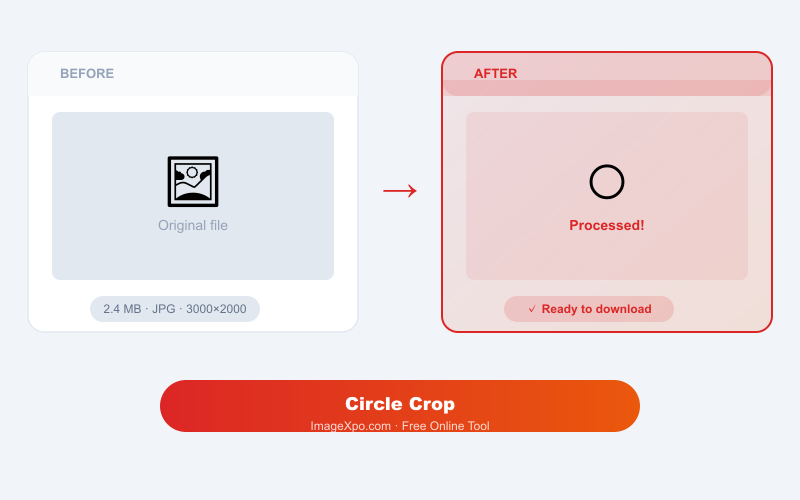
A JPEG file cannot store transparent pixels. If you circle-crop a JPEG, the corners outside the circle are filled with white. On a dark website or coloured background, this creates an ugly white square halo around your photo. PNG supports full alpha transparency, so the circular image sits cleanly on any background colour without any halo effect.
Frequently asked questions
What file formats can I upload?
You can upload JPG, PNG, WebP, and most other common image formats. The output is always a PNG file to preserve the transparent circular background.
Will there be a white background behind my circle?
No. The output is a true transparent PNG. The area outside the circle has zero opacity, so it displays correctly on any background colour.
Can I reposition my photo inside the circle?
Yes. After uploading, you can drag the image within the circular preview to position your subject exactly where you want it before downloading.
Is this tool free with no watermark?
Completely free, no watermark, no signup required. The circle crop runs entirely in your browser.
What size should my profile picture be?
LinkedIn recommends 400x400px, Twitter recommends 400x400px, and most platforms accept up to 1000x1000px. Use the resize tool after cropping if you need a specific pixel size.