JPG to BMP Converter Free Online - High Fidelity Bitmaps
Convert JPG to BMP Free — For Software That Requires Bitmap Format
Most workflows go the other direction — BMP to JPG — but certain legacy systems, industrial tools, and specialized software only accept uncompressed BMP files. Our free JPG to BMP converter handles this specific need in your browser, with no upload or software installation required.
When You Actually Need BMP
Industrial and manufacturing equipment: CNC machines, label printers, and embedded display systems often only process BMP files. Legacy Windows applications: Software from the Windows XP era frequently only reads BMP. Technical imaging: Some scientific and engineering tools require BMP as the only accepted input format. Older Windows wallpaper: Very old Windows versions required BMP for desktop backgrounds.
What to Expect From the Output
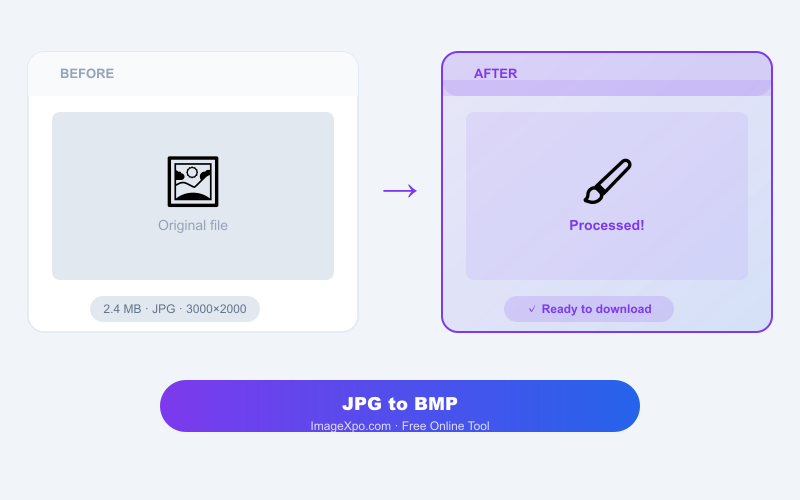
The BMP output will be significantly larger than your JPG — BMP stores every pixel uncompressed. A 500 KB JPG photo can become a 15–30 MB BMP. Make sure your target system can handle the larger file size. Image dimensions remain the same.
Private and Free
Conversion runs locally in your browser. Your file is never sent to any server. No account, no watermarks, no limits.
Frequently asked questions
Why is my BMP output so much larger than the JPG?
BMP is uncompressed — it stores every pixel as raw data. JPG uses compression to reduce file size. Converting from JPG to BMP unpacks that compressed data into raw form, which is naturally much larger.
Will this BMP work in my legacy software?
Yes. The output is a standard 24-bit Windows BMP file, compatible with all software that accepts the format.
Can I convert back to JPG after I am done with the BMP?
Yes. Use ImageXpo's BMP to JPG converter to get back to a smaller, shareable file after you have finished with the BMP.