Compress Image for Instagram Free - Pixel-Perfect Feed Optimization
Compress Images for Instagram — Control Quality Before It Uploads
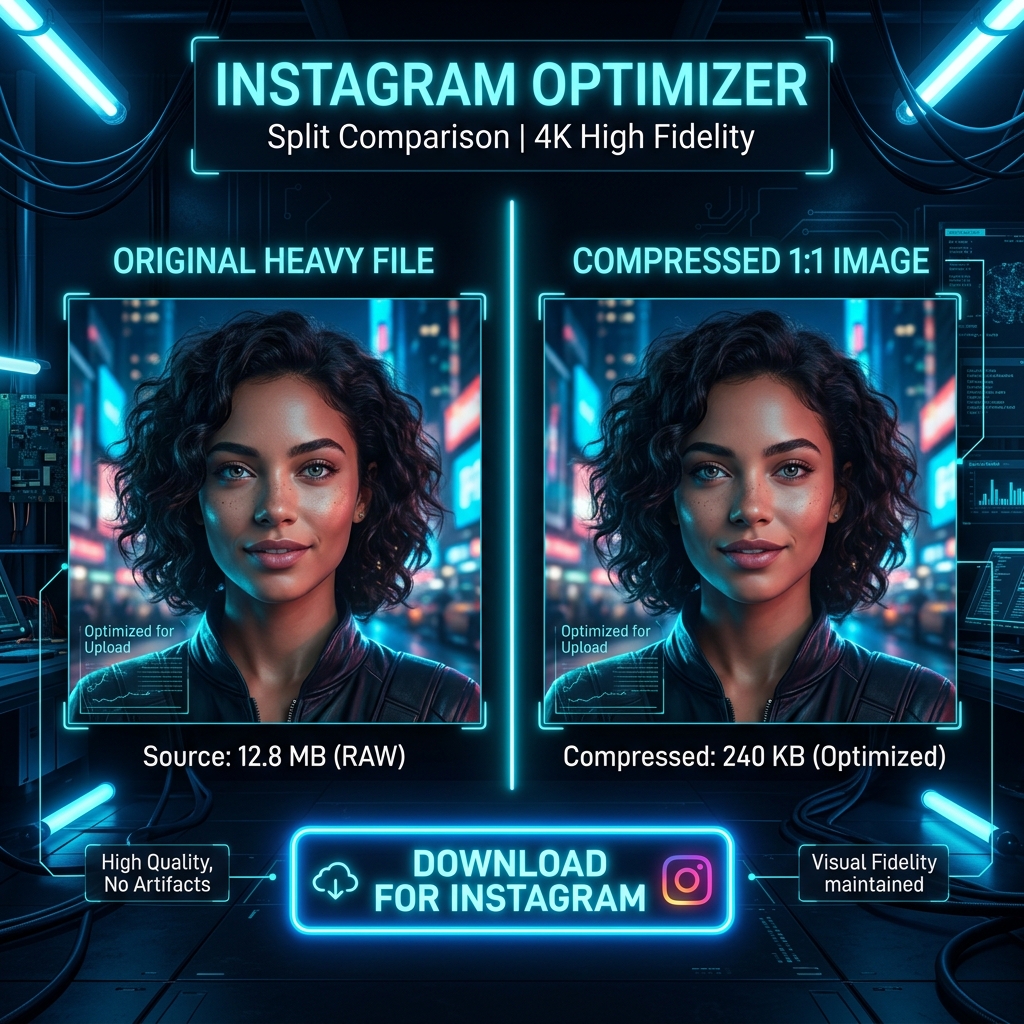
Instagram recompresses every image you upload, and if your file is large, the result can look noticeably worse. By compressing your photo to the right size before uploading, you give Instagram less to degrade. Our free Instagram image compressor prepares your photos for the best possible quality on the platform, processed entirely in your browser.
Instagram's Compression Rules
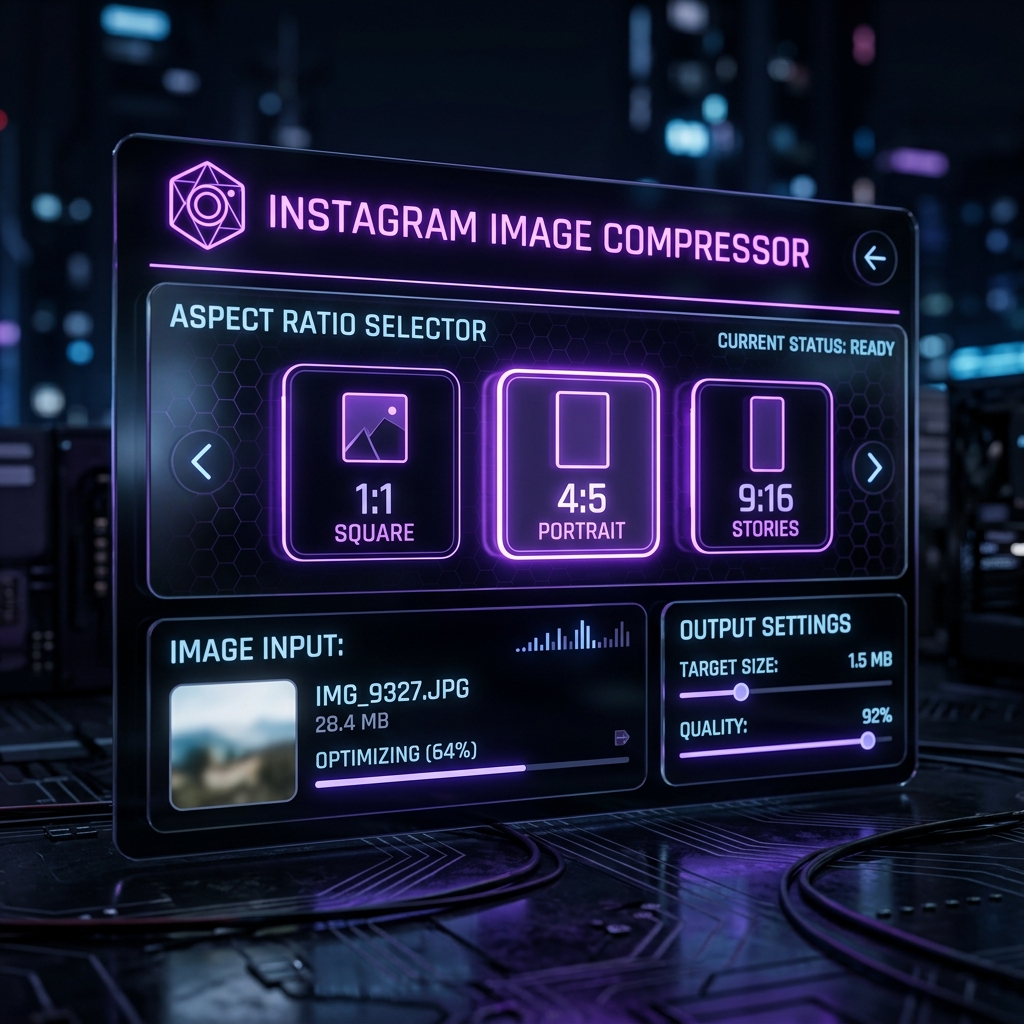
Instagram resamples images to a maximum of 1080px on the longest edge and compresses them internally. If you upload a 5000px, 8 MB image, Instagram applies heavy compression. If you upload a 1080px, 500 KB image, Instagram's compression has far less impact. Prepare your images at 1080px wide and under 1 MB for the cleanest result.
Format Recommendations for Instagram
Upload JPG for photos — Instagram handles JPG compression better than it handles re-compressing PNG files. Keep the aspect ratio at 1:1 (square), 4:5 (portrait), or 16:9 (landscape) to avoid cropping. Reels and Stories should be 9:16 vertical.
Your Photos Stay on Your Device
Compression runs locally. ImageXpo never receives your photos. Free, private, unlimited.
Frequently asked questions
Why do my Instagram photos look worse after uploading?
Instagram recompresses every upload. Large files get more aggressive compression. Uploading at 1080px width and under 1 MB gives Instagram's algorithm less room to degrade quality further.
What size and format should I use for Instagram?
JPG at 1080px width (1:1, 4:5, or 16:9 ratio), under 1 MB. This gives Instagram the ideal input and minimizes automatic recompression quality loss.
Should I upload PNG or JPG to Instagram?
JPG for photos. PNG files get converted to JPG by Instagram anyway, and the forced conversion can add extra compression artifacts. Start as JPG for the cleanest result.