Compress Image for WhatsApp Free - Fix "File Too Large"
Compress Image for WhatsApp — Send Photos Without Quality Loss
WhatsApp compresses images automatically when you send them, often making them blurry and pixelated. Compressing your photo yourself before sending gives you control over quality — you decide how sharp it stays. Our free WhatsApp image compressor reduces file size while preserving the visual quality you want, and it runs entirely in your browser so your photos never leave your device.
Why WhatsApp Ruins Your Photos
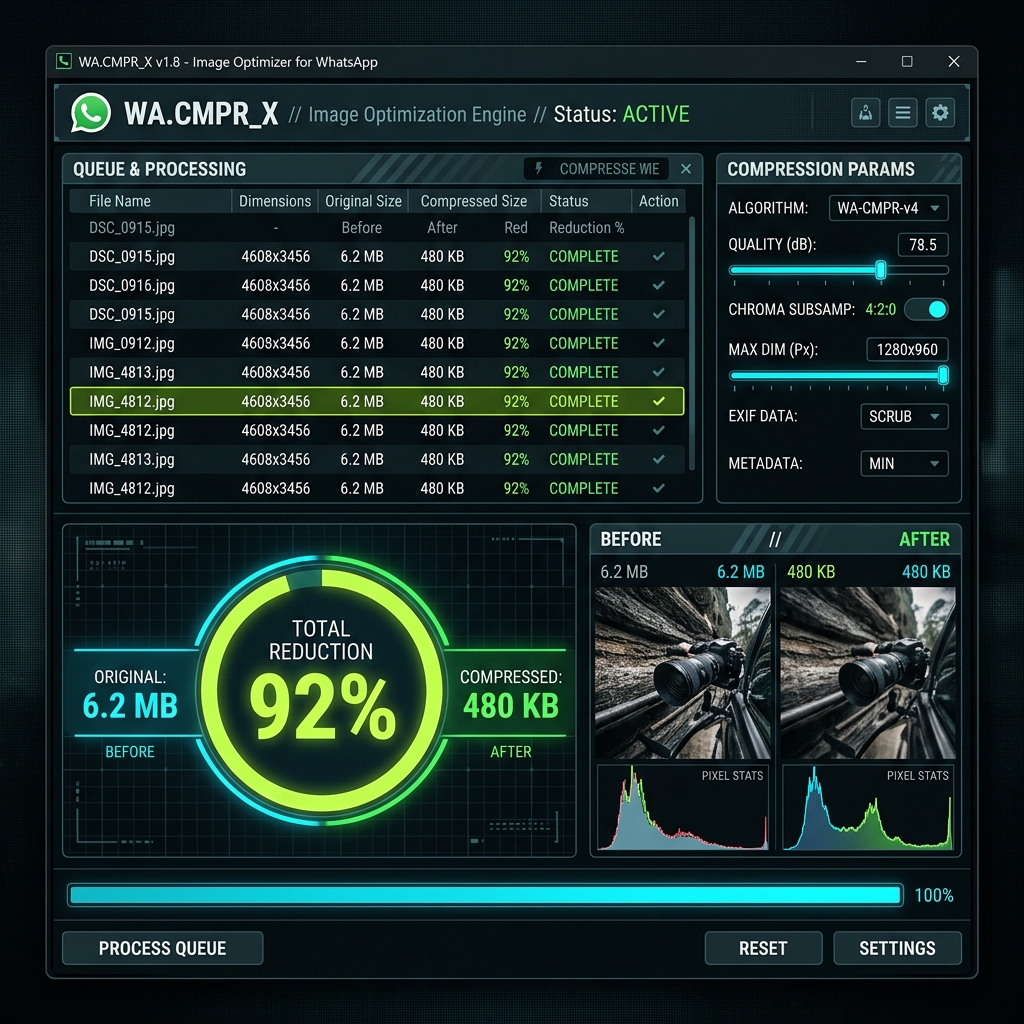
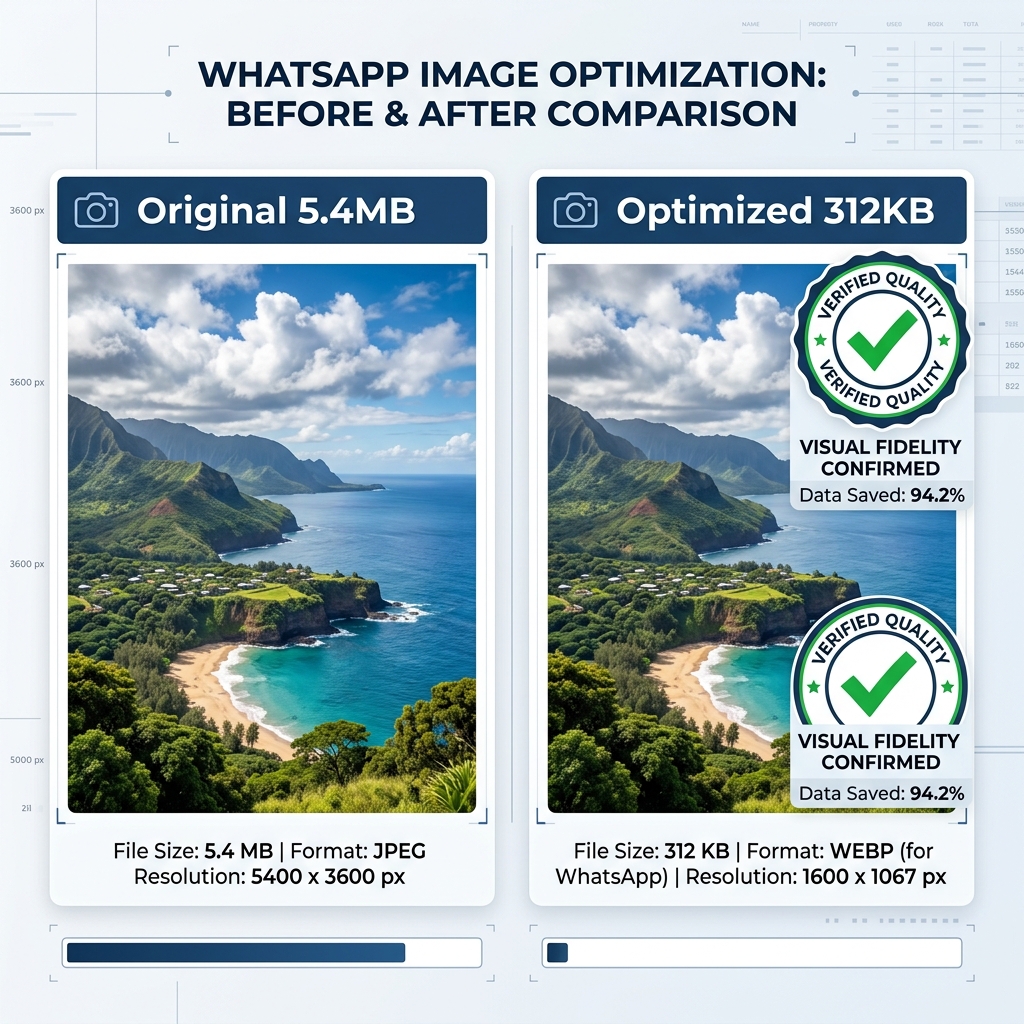
WhatsApp limits image data to reduce server storage costs. When you send a 4 MB photo, WhatsApp may compress it down to 200 KB — a 95% reduction — applied automatically with no quality control. By compressing it yourself to 500 KB or so first, WhatsApp's additional compression has less work to do, and your recipient sees a much sharper image.
Recommended Settings for WhatsApp
Target a file size between 300 KB and 1 MB. This is small enough that WhatsApp won't apply heavy recompression, but large enough to maintain good visual quality. For profile pictures, aim for under 100 KB at 800×800px or smaller.
Your Photos Stay Private
All compression runs locally in your browser using your own device. ImageXpo never receives or stores your photos. This is especially important for personal photos you share on WhatsApp.
Frequently asked questions
Why do my photos look blurry when I send them on WhatsApp?
WhatsApp automatically compresses images to reduce data usage and server costs. It applies its own compression regardless of the original file size. Compressing your photo to 300–800 KB before sending reduces the damage WhatsApp does on top.
What file size should I target for WhatsApp photos?
Aim for 300 KB to 1 MB. Below 300 KB, WhatsApp usually won't compress further. Above 1 MB, WhatsApp applies heavier compression that visibly degrades quality.
Is it safe to compress personal photos in this tool?
Yes. ImageXpo runs entirely in your browser — your photos are never sent to any server. This is safer than tools that upload your photos to compress them on a cloud server.