
Compress Image to 20KB Online Free - Precision for Portals
Compress Image to 20KB Free — For Government Forms and Document Portals
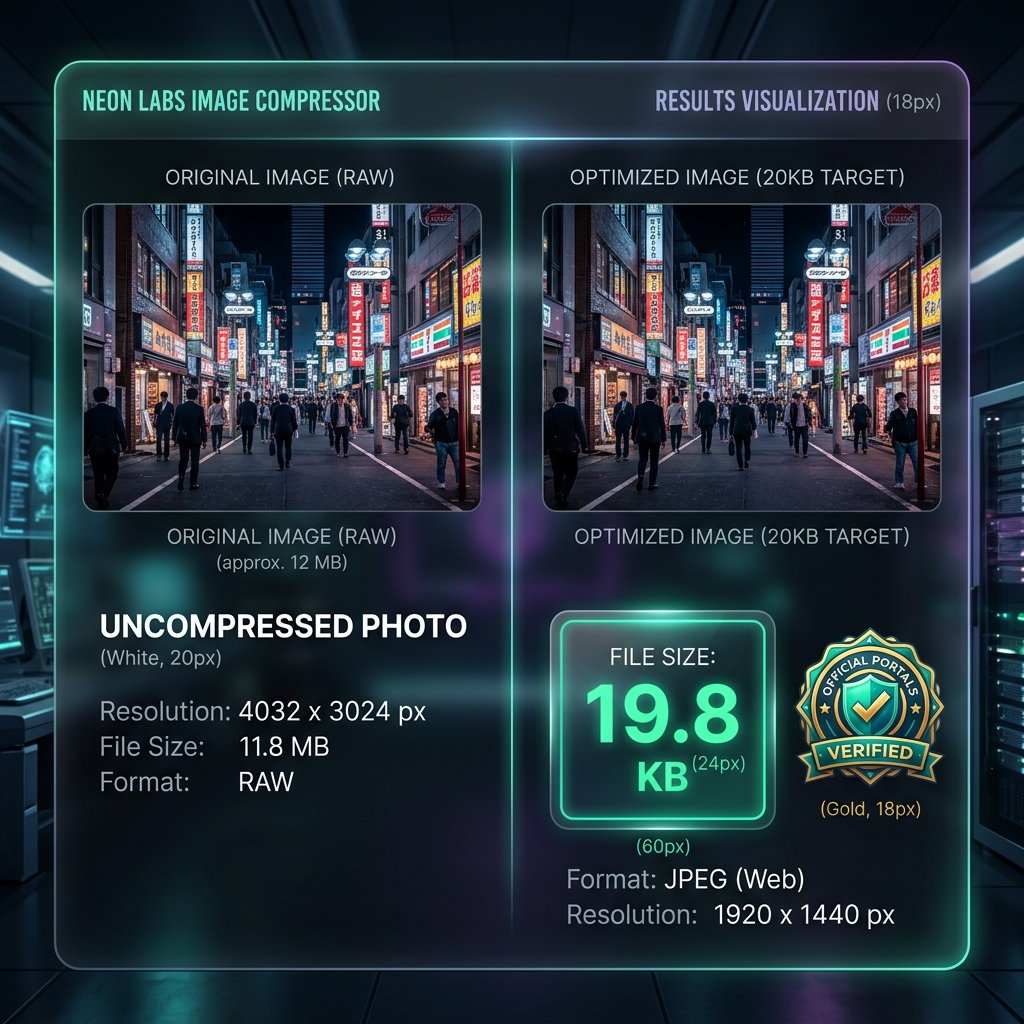
Many government portals, visa applications, passport forms, and official document systems require photos under a strict file size — often 20–50 KB. Our free image compressor to 20KB targets this exact size limit, giving you a photo that passes the upload requirement without any guesswork, processed entirely in your browser.
Why Government Portals Have Strict Size Limits
Online government systems often run on older infrastructure with limited storage. They set strict file size limits — commonly 20 KB, 50 KB, or 100 KB — and reject anything larger without a clear explanation. This leaves applicants frustrated, trying to reduce file size through trial and error. ImageXpo's target-size compression lets you specify 20 KB as the goal and get exactly that.
Common Use Cases
Visa applications: Most embassies and consulate portals specify a maximum of 20–50 KB. Passport and ID photo uploads: Government ID portals typically require 20–35 KB per photo. University admissions: Online application systems often cap photos at 50–100 KB. Banking and KYC: Know-your-customer portals frequently require small identity photos.
Your Personal Photos Stay Private
ID photos, passport photos, and document scans are sensitive. ImageXpo runs entirely in your browser — your files are never sent to any server. This is critical when handling identity documents.
Frequently asked questions
How do I compress a photo to exactly 20KB?
Use the target file size option in ImageXpo's compressor. Set the target to 20 KB, upload your photo, and the tool adjusts quality automatically to meet that size. The result may be slightly under or over 20 KB depending on the image content.
Will a 20KB photo still look acceptable for a visa or passport form?
At 20 KB, a 400×500px photo looks acceptable for digital submission — it will appear sharp enough on a screen or when printed at small sizes. Avoid compressing to 20 KB if the portal also requires a minimum pixel dimension like 200×200px.
My government form requires a photo under 20 KB — is this safe to use?
Yes. ImageXpo compresses your photo locally in your browser. Your identity photo is never uploaded to any server, which is an important privacy consideration for sensitive documents.